
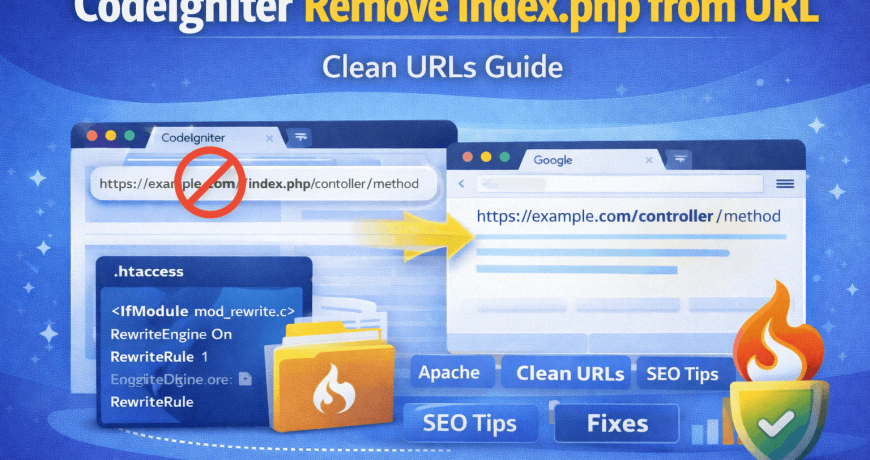
By default, CodeIgniter URLs include index.php, which looks unprofessional and is not SEO-friendly. A clean URL improves search engine rankings, user experience, and website credibility.
In this guide, you’ll learn how to remove index.php from a CodeIgniter URL safely using .htaccess, along with common issues and fixes. If you want to learn in depth what is codeigniter check our article here.
What Is index.php in CodeIgniter?
In CodeIgniter, index.php is the front controller that handles all incoming requests.
Default URL Example:
https://example.com/index.php/controller/methodClean URL (Desired):
https://example.com/controller/methodRemoving index.php does not break functionality—it simply hides the front controller from the URL.
Why Remove index.php from CodeIgniter URLs?
Removing index.php provides several benefits:
✅ Cleaner and professional URLs
✅ Better SEO and search engine visibility
✅ Improved user trust and readability
✅ Easier sharing and bookmarking
✅ Standard practice for modern frameworks
Search engines prefer short, clean URLs over long and cluttered ones.
Requirements Before You Start
Make sure:
- Apache server is running
- mod_rewrite is enabled
.htaccessfile is allowed- CodeIgniter root directory is accessible
If you’re on shared hosting, mod_rewrite is usually enabled by default.
Step 1: Create or Edit .htaccess File
Go to your CodeIgniter root directory (same level as index.php).
Create a file named .htaccess (if it doesn’t exist).
Add the Following Code:
<IfModule mod_rewrite.c>
    RewriteEngine On
    RewriteBase /

    RewriteCond %{REQUEST_FILENAME} !-f
    RewriteCond %{REQUEST_FILENAME} !-d
    RewriteRule ^(.*)$ index.php/$1 [L]
</IfModule>
What This Does:
- Enables Apache rewrite engine
- Redirects all requests to
index.phpinternally - Keeps URLs clean without showing
index.php
Step 2: Update CodeIgniter config.php
Open:
application/config/config.phpFind this line:
$config['index_page'] = 'index.php';Change it to:
$config['index_page'] = '';This tells CodeIgniter not to append index.php to generated URLs.
Step 3: Set the Correct Base URL (Recommended)
In the same file (config.php), set your base URL:
$config['base_url'] = 'https://example.com/';This helps CodeIgniter generate clean and correct links.
Step 4: Test Your Clean URLs
Try accessing your site using:
https://example.com/controller/methodIf it loads correctly—success! 🎉
Your index.php has been removed.
Common Problems & Fixes
❌ 404 Page Not Found Error
Cause:
Apache rewrite rules not working.
Fix:
- Make sure
mod_rewriteis enabled - Ensure
.htaccessis in the correct directory - Check that
AllowOverride Allis enabled in Apache config
❌ Internal Server Error (500)
Cause:
Incorrect .htaccess syntax.
Fix:
- Check for typos
- Remove extra spaces or invalid characters
- Ask hosting support to confirm Apache configuration
❌ Works Locally But Not on Live Server
Fix:
Try updating RewriteBase:
RewriteBase /subfolder/If CodeIgniter is installed in a subdirectory.
Removing index.php in CodeIgniter 4 (Bonus)
For CodeIgniter 4, use this .htaccess in the public/ directory:
RewriteEngine On
RewriteCond %{REQUEST_FILENAME} !-f
RewriteCond %{REQUEST_FILENAME} !-d
RewriteRule ^(.*)$ index.php/$1 [L]
And make sure:
public/index.phpis your document root.
SEO Best Practices After Removing index.php
✔ Redirect old URLs if site is live
✔ Update internal links
✔ Update Google Search Console
✔ Submit updated sitemap
✔ Avoid duplicate URLs
Final Thoughts
Removing index.php from CodeIgniter URLs is a must-do step for any professional website. It improves SEO, usability, and aligns your project with modern web standards.
Once configured correctly, your site will run smoothly with clean and readable URLs—without breaking functionality.
